Monster Idle Tycoon Country

Last Updated: Feb 15th, 2026

Another Tycoon title here. The format is identical to Bud Farm and very similar to Idle Bank Tycoon.

Ever wondered what happens when monsters start their own businesses? In Monster Idle Tycoon Country!

Reach the listed goals within 45 days to earn Up to 17,040 SB!

  • Must be installing Monster Idle Tycoon Country for the first time to receive SB.
  • In-app purchases and upgrades are available.
  • Award will pend for 10 days
  • You must complete goals within 45 days of installing to receive Up to 17,040 SB

Swagbucks Link: https://www.swagbucks.com/games/apps/1671364/monster-idle-tycoon-country?rb=69384823

Goal Chart
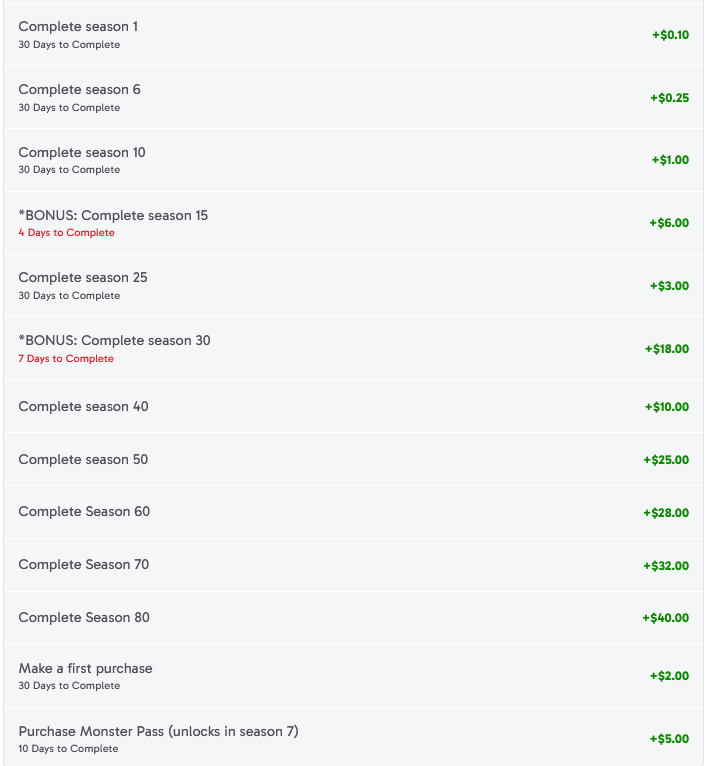
Limited time offers: Complete Season 15 (4 days) $6.00 and Complete Season 30 (7 days) $18.00.

Episode 15 can be cleared within the 4 day limit if you purchase the Monster Pass. However, Episode 30 cannot be cleared in just 7 days without more spending.

  1. Goal Chart
    1. Tips
    2. Spending
      1. Monster Pass
        1. Daily
        2. Quest
  2. Gameplay
    1. Events
    2. Event Strategy and Tips
    3. Support Links
    4. Card Collection
      1. Episode Clear Multiplier
      2. Statue Cards

Tips

All shops may be temporarily increased by watching an ad to activate a boost. This can be done 3 times for a 12 hour boost.

You can watch an ad to double your accrued offline idle income.

Tapping on the bird flying across the screen can earn Cash, and occasionally you can watch an ad for double rewards.

Trading cards counts towards “Get Cards” task.

To get Building Cards you need to achieve Customer Bonuses. This occurs when you reach a customer milestone by filling up the purple/pink bar on shop.

Customer Cards are available by Trading, purchase in the Shop using NanoSpider coins, or from Coffins and stage advances.

Surveys through Revenue Universe can be completed to earn extra Dream Crystals.

Spending

The Monster Pass is $14.99, but we only get $5.00 back from the offer. The Monster Starter Kit is $2.99 and is only available during the first 3 days of play. The first Purchase credit is $2.00.

Gnome Constable Pack $4.99Gnome Constable, 666 Nanospiders, and 100 Dream Crystals.
Deadly Deals $4.99650 Nanospiders, Rory Thompson (10), and 150 Dream Crystals.

Monster Pass

The pass includes special characters that boost the high tier shops. Lots of NanoSpiders, Skip Tickets, and some Dream Crystals.

Items must be claimed individually. This is helpful if you want to save some rewards for later, such as the ad skip tickets.

Daily Goals reset at midnight (EST).

Default Goal: Collect 50 Cards in the Main Game.

Daily
Watch 3 Ads in Events15 Energy
Complete 5 Trades25 Energy
Buy 10 Store Cards25 Energy
Open 2 Free Coffin15 Energy
Complete 12 Event Goals25 Energy
Spend 600 Event Special Currency15 Energy
Use Time Skip 1x25 Energy
Quest
Upgrade 6 Characters25 Energy
Complete 30 Event Goals25 Energy
Complete 10 Event Milestones25 Energy
Open 8 Free Coffins in Events25 Energy
Spend 5,000 Special Currency25 Energy

Gameplay

The game maps are called Episodes and proceed in stages of business development. Each level includes several objectives that must be completed before the player can advance to the next Episode.

Warning: Completed goals DO NOT carry over to the next episode. Make sure to collect all completed goals before advancing.

Shops will generate cash which can be tapped on to collect income after the timer bar has filled. Upgrading shops will boost the amount of cash they generate. Assigning a Monster to a shop will enable automation and passive cash generation.

Monsters (managers) assigned to select shops will improve the income generation speed/amount. Monsters must be upgraded to continue using automation as the game progresses.

Focusing your upgrades on the higher tier shops will provide a much greater return on investment in the end game. Especially enabling automation for the periods when you go to bed.

As you advance through the Episodes, the amount of cash generated by low tier shops will become inconsequential. However, missions will likely require ineffective upgrades to progress the storyline.

Events

Throughout gameplay Event maps will become available and will run concurrently with the main map. Additional resources can be acquired on the Event maps.

However, be mindful of spending premium currency trying to clear the Events or rank high on the leaderboard. This can detract from the efforts spent clearing the goals on the main map.

Even small rewards from the Event maps can be useful in clearing the primary objectives. You can also expect regular players to spend cash to rank high on the leaderboards.

Event Strategy and Tips

These event maps use a simplified format for upgrading shops.

There are several versions of the Event maps and some use different rules. Some versions will use a single Card for Cash or Time upgrades that will allow automation, while each individual shop will still have the regular managers.

This means you only need to focus on upgrading a single Card if you just want the passive returns.

In other versions there are separate cards for all functions. And in others still a very simple 1-2 day timeframe with limited rewards.

In all events, the following benefits should apply.

At Event completion, we receive 25% of our leftover event currency as NanoSpider coins, up to a max of 500 coins. This means we want to end the event map with 2,000 event currency.

Completing tasks on the Event map will contribute to the Monster Pass tasks.

Publisher: https://www.monstercountryidle.com/

Facebook: https://www.facebook.com/monster.country.idle

Instagram: https://www.instagram.com/monster.country.idle/

Card Collection

There are 59 cards in total (as of Feb 2026). Cards come in rarity ranks of Common, Rare, Epic, Legendary, and Event.

Some cards will increase the cashflow of a shop while others improve the speed cycle.

The cost to purchase cards in the shop depends on their rarity, with Common costing just 5 coins to start. The cost to purchase a card increases by 1 coin for each one you buy until either the shop refreshes or you reach a new Episode.

Rare cards have a base cost of 15 Coins. Epic cards start at 50 Coins each. Some special cards are only available from the Monster Pass.

Episode Clear Multiplier

A unique card, the spider “Lady” will boost the multiplier by a fraction when clearing episodes. I strongly suggest NOT spending any coins on the spider. A better option would be the Epic card Janice, who doubles the multiplier.

Statue Cards

Statue cards are earned from the Events and will place idle reward statues on your map area below the shops. The Owl and Eyeball statues will provide Coins every day. The Eyeball has a faster cycle period.

Ranking high in Events is the only way to get cards to upgrade the statues. Expect Whales (big spenders) to take the top spots in all events. So mostly these statues will remain level 1 during the offer period.
Sort Joy

Last Updated: Feb 15th, 2026

As of 01/16/2025, Swagbucks is offering 5,116.79 in SB for completing the entire offer.

Swagbucks Link: https://appm.swagbucks.com/games/apps/1672676/sort-joy?rb=69384823

Table with goals (spending in chart below)

Time Limit: 30 Days

Spending: 6 partially reimbursed purchases.

(Spending chart here)

The difficulty doesn’t seem to increase much outside of level gimmicks and the occasional super hard level.

There seems to be a bug with a handful of levels being functionally impossible without a powerup but the team seemed grateful last time I reported one.

Other than that, I’ve mapped out harder levels by hand to know which block comes next in generators etc and it’s made things a breeze outside of occasional levels I simply can’t manage on my own.

Quote by Hanzosrightnipple

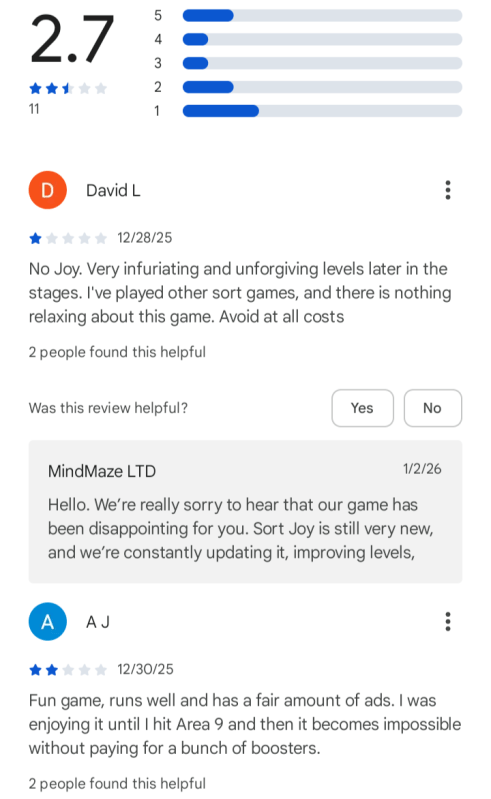
The game has some very dismal reviews by users. Sentiment is pretty dour. There is some hope from Reddit though where several players report reaching Area 13 ($10).

Areas

Sort Joy is broken into Areas which are compromised of blocks of levels, starting with 15 levels for Area 1.

This chart shows the level progression for subsequent each area in Sort Joy.

1: 15

2: 25

3: 50

4-11: 75

12-19: 100

20: 150

Timers

You are initially given no limits on completing levels. However at level 14 of Area 1, a timer limit will become active.

In further stages of play, levels will include 2 or more stages that must be completed to advance. If a timer is active on a multi stage level, it will not reset between stages.

Boosters

Players start with a few booster items to clear the game board faster. Ads may be watched to gain additional Boosts.

Occasionally, on the Home Screen you can watch a series of ads spaced 2 minutes apart for Coins and Boosts. Seems to pop up every few days.

The game is reliant on advertising and micro transactions for revenue so you will see many ads and offers to spend money.

The frequency of boosters earned through ad views will decrease over time. Around Area 17, the availability of Boosts from ads seems to disappear.

Similarly, the ads that increase Coins after clearing a level also go away.

Adobe Cloud Storage: Bug or Deception?

After some sleuthing and head scratching I noticed an issue with the way Adobe Storage manages data in the cloud.

Free accounts receive 5GB of storage space which can be exceeded under certain conditions. For example, uploading multiple files at once which exceed the limit.
If further uploads are attempted after hitting the limit, a red message bar will appear at the head of the page, notifying users that they have run out of space and must either upgrade their account or remove files.

So far this is pretty normal as one might expect of a cloud storage service.

The Bug

However, the issue is that many users find that the storage overage message does not go away or nor does it decrease in size as files are permanently deleted from storage.

This has likely led users to paying for a subscription to increase the storage capacity of their accounts as a way to bypass the “bug.”

But I don’t think it is a bug. I think this is an intentional effort by Adobe to drive users to subscribe. It’s a money machine. Just my opinion.

My Answer

Adobe cloud storage appears to be associating the entire amount of storage overage to all files present when the limit is exceeded. If even a single file remains, all limit overage will be attached to the single item.

I have successfully recreated the issue and fixed it using the method provided below.

After encountering the storage bug, I deleted all but a single 12mb file from my cloud storage. The message read that I was 2.71GB over my 5GB storage capacity.

I was planning on using the remaining 12mb file to create a Short for YouTube after I cleared the storage bug.

I would expect most users to have files in storage that they would rather not have to delete, whether for business or personal use. It’s quite common.

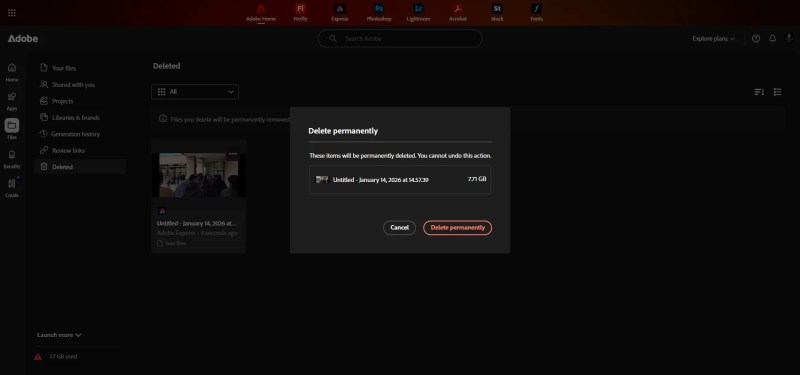
The red bar remained in place after permanently deleting the files, and the overage amount (7.71GB) did not change.

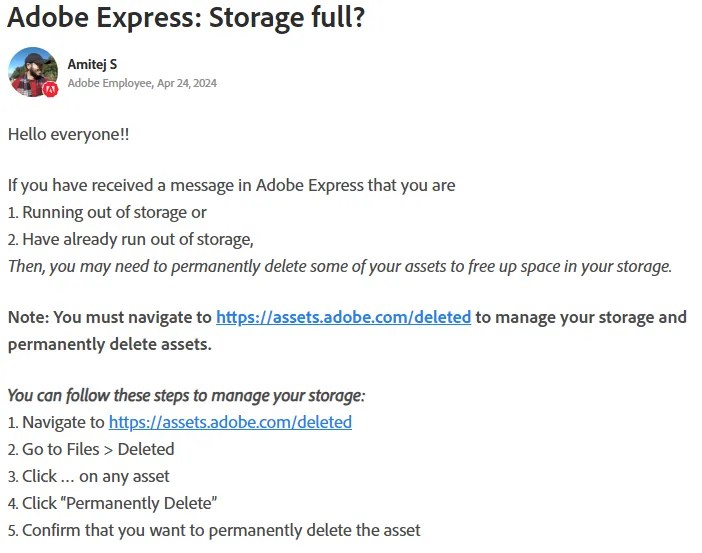
Rebooting, clearing cache, and cookies, had not effect. Following the instructions provided by Adobe Support members also did not clear up the issue.

Since I had a copy of the video file still on my hard drive, i went ahead and sent the last file to the Trash. Then I navigated to Trash and selected the file and Delete Permanently.

You can see in the image above that the system had relegated the entire 7.71GB storage limit overage to the single remaining file in my cloud storage.

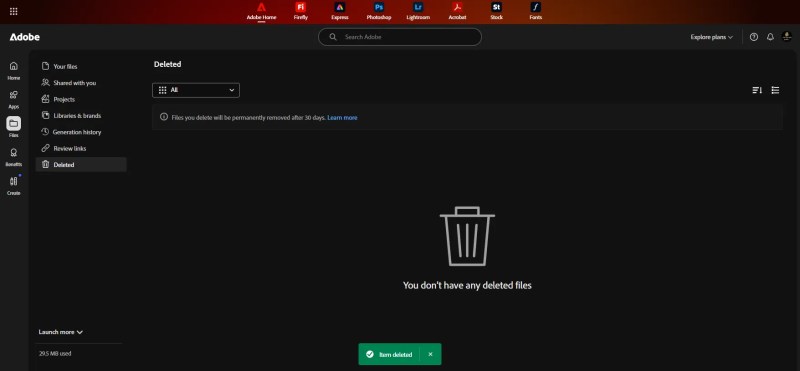
An after I deleted the final file, my storage was cleared and the overage message disappeared.

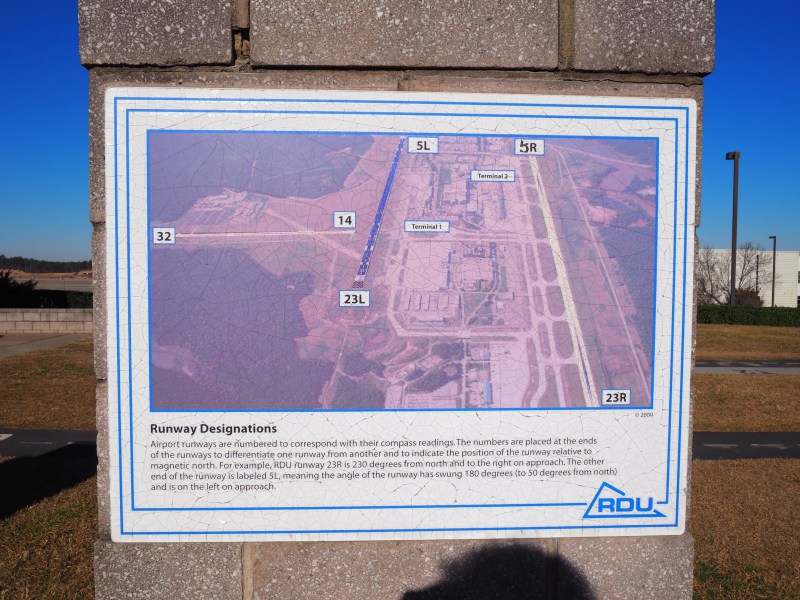
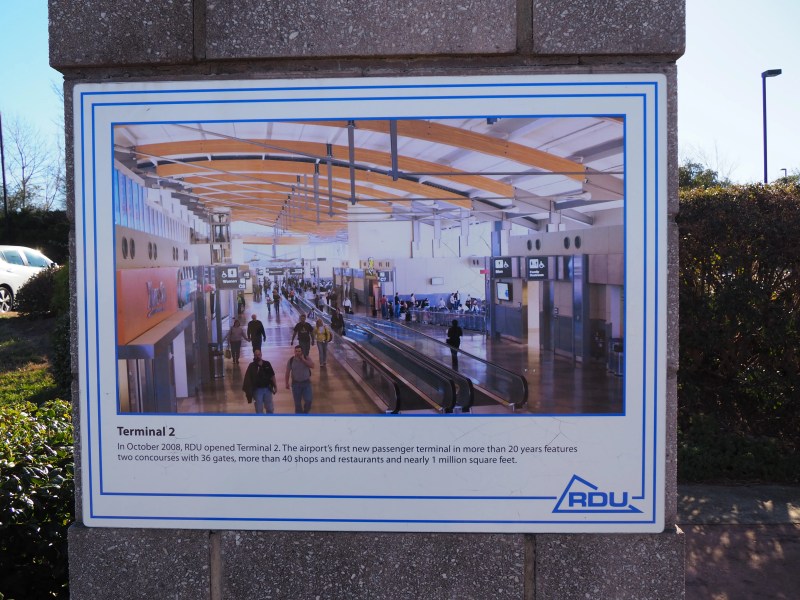
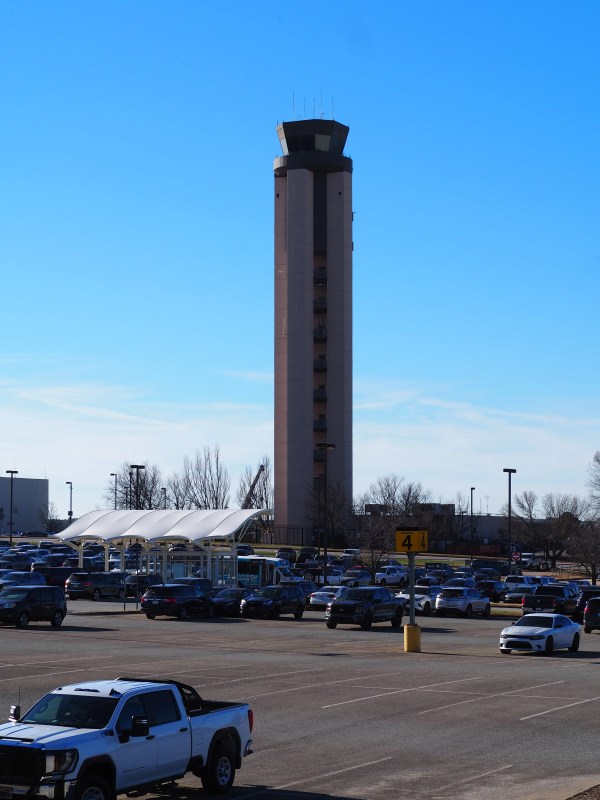
Raleigh-Durham International Airport, NC

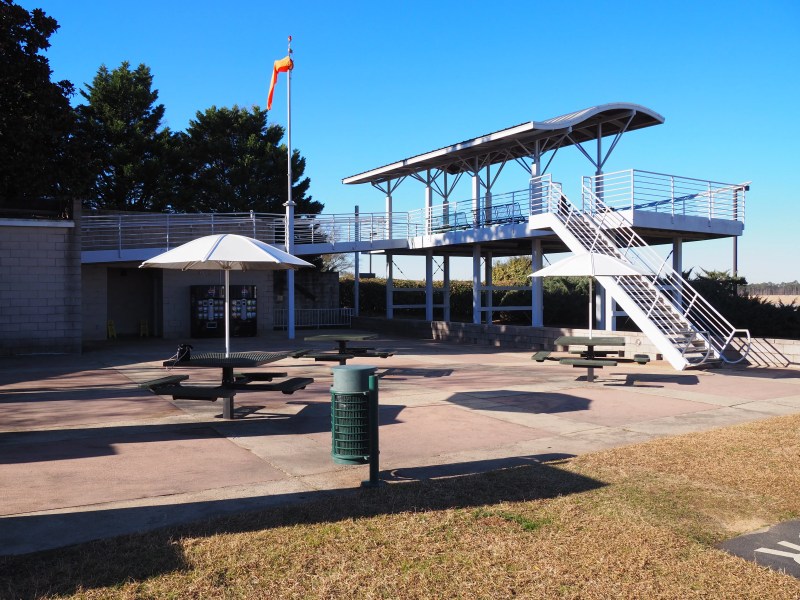
Article updated on 1/19/2025 to include additional footage from the RDU Observatory Park.

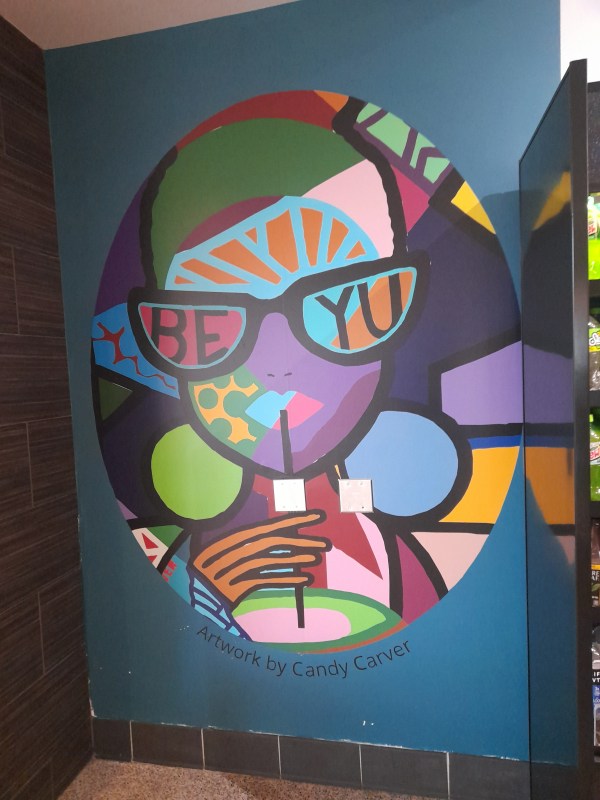
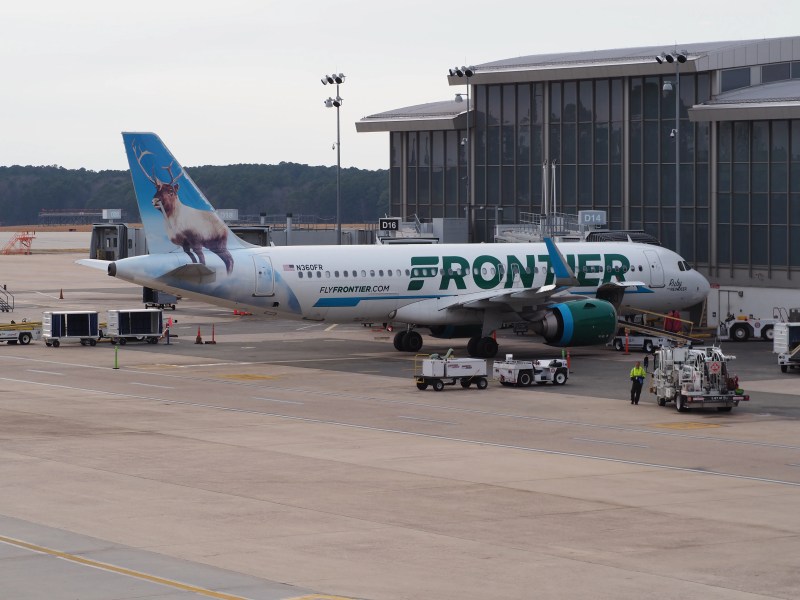
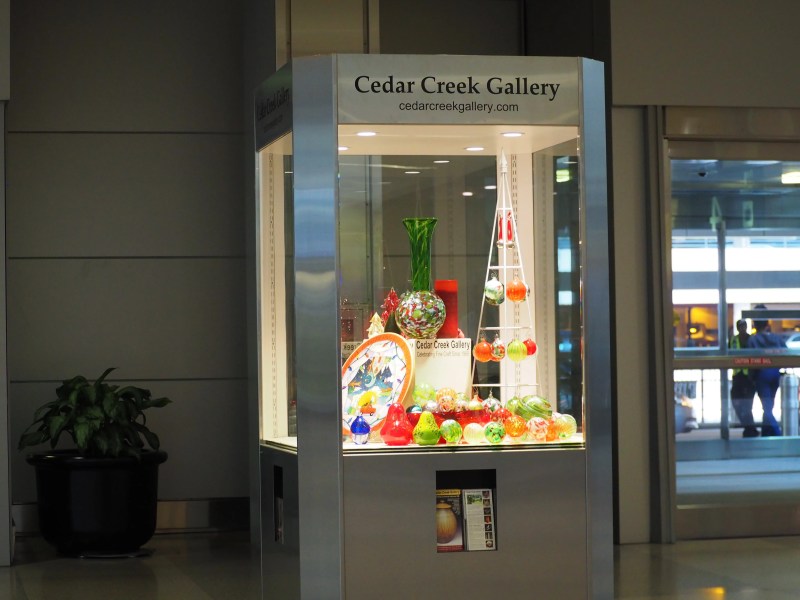
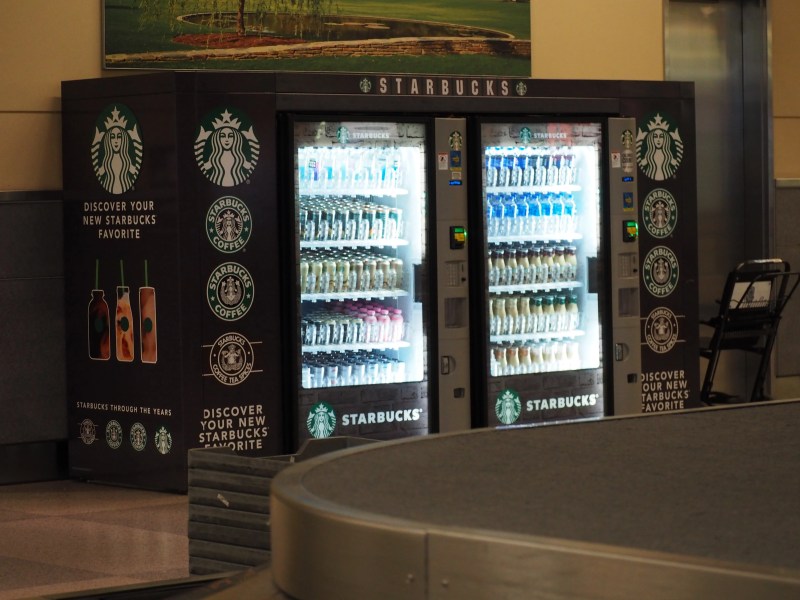
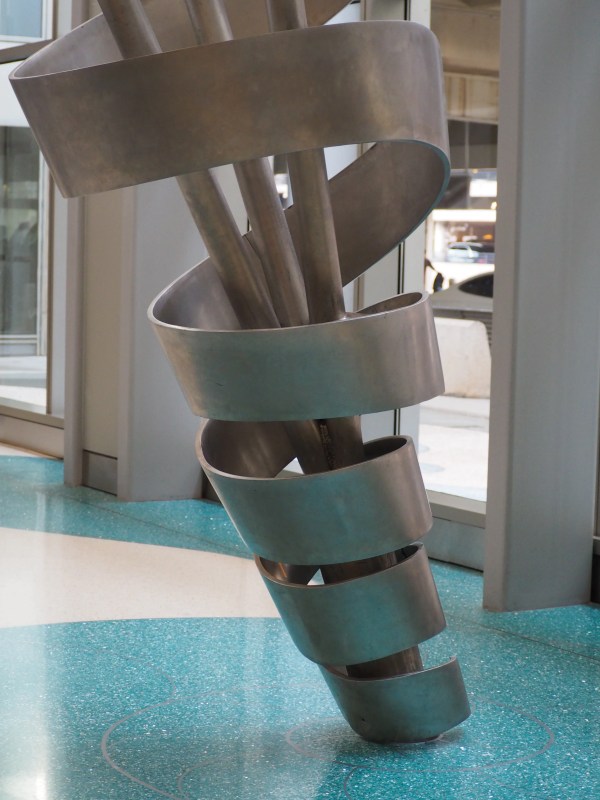
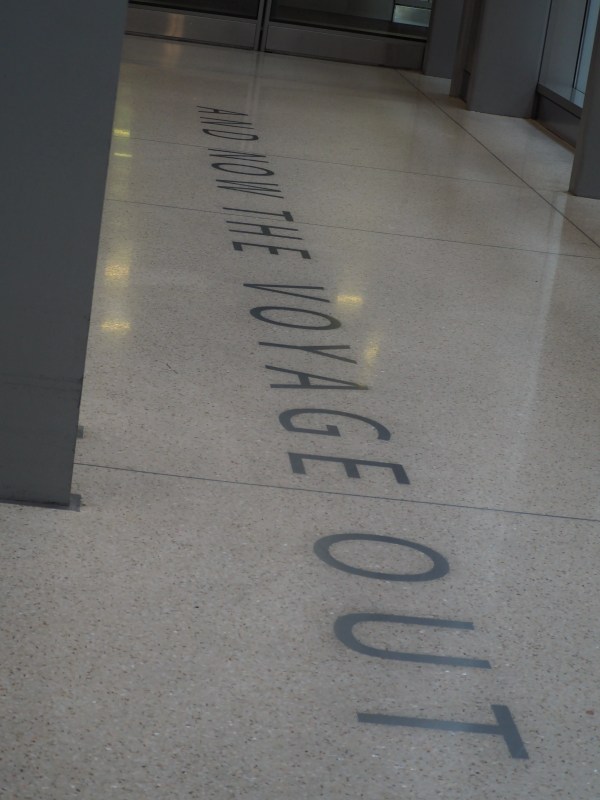
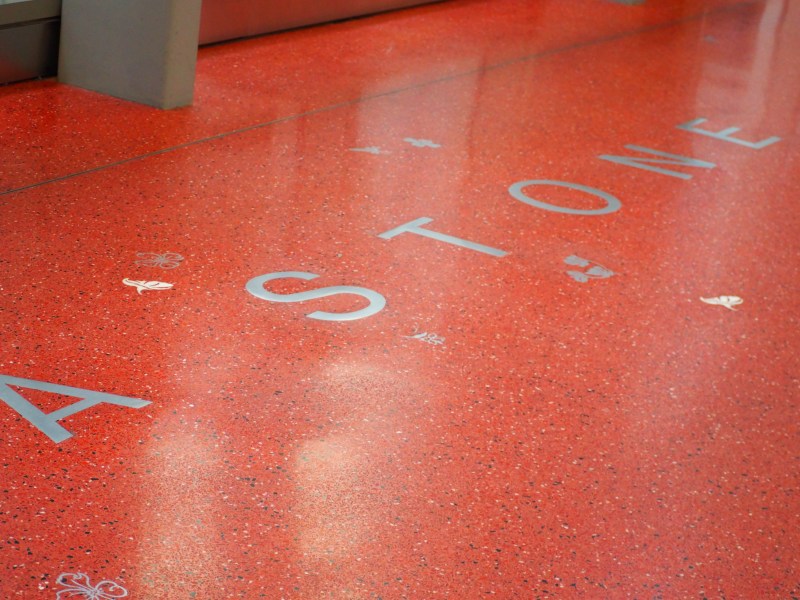
With some free time at the airport while awaiting a relatives arrival, I took some photos of planes and the sculpture, and easter eggs in the airport entrance and waiting areas.

I had a bad experience with the parking area and got lost, then got charged extra. I was there for about an hour and a half, but I was charged for 3 hours.

RDU Observatory Park

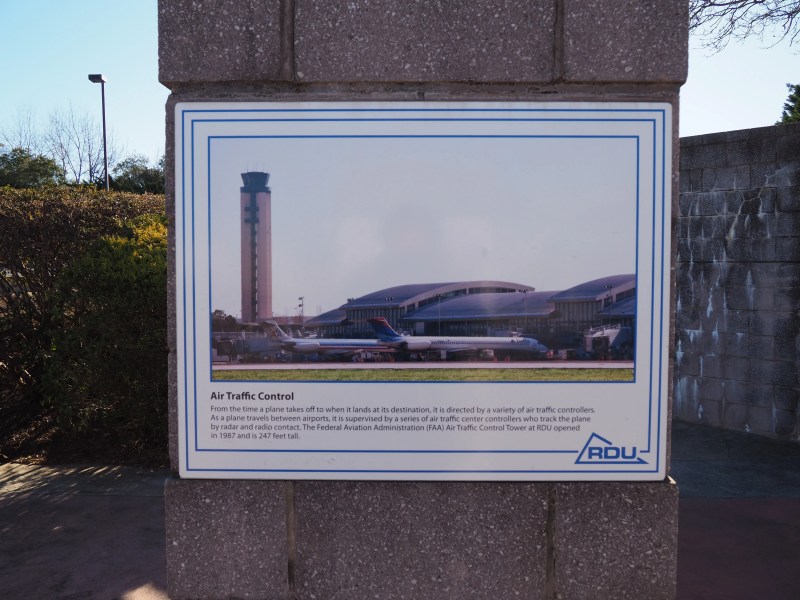
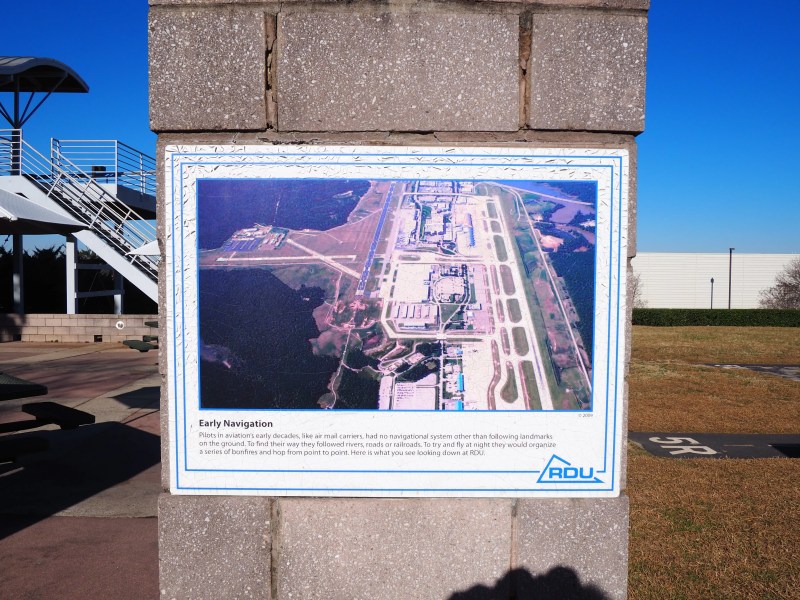
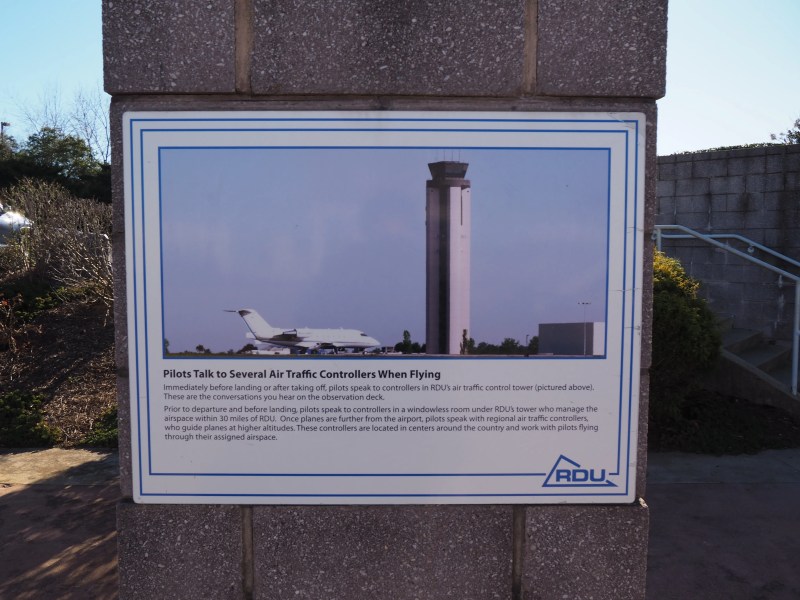
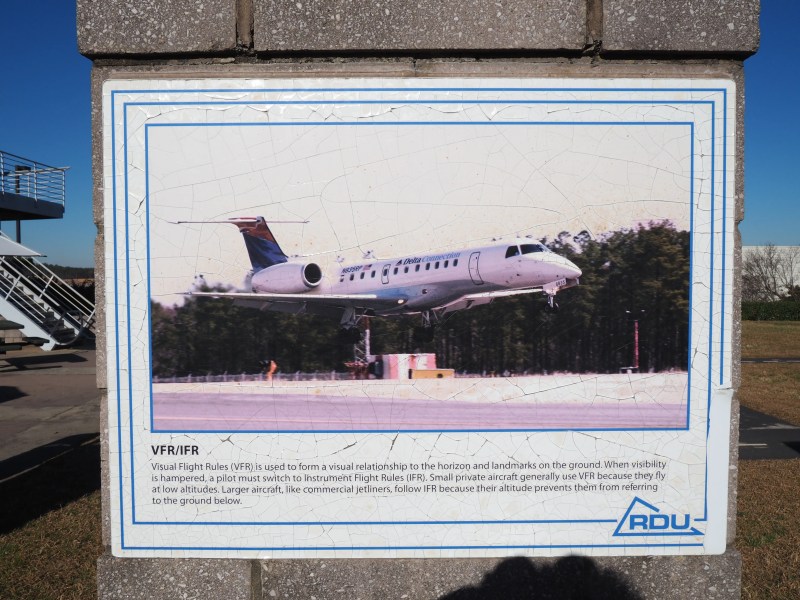
On my return to the airport to drop off my relative, I got to take some much clearer shots of the planes at Terminal 2.

Another 30 to go

What are your thoughts on the concept of living a very long life?

Given my relative health and current medical conditions, I think 70 is a conservative estimate. My father is in his 80s and my mother is mid 60s, both have lived varied lives with very different upbringing.

I think older generations have been able to achieve longer lives due to diet and exercise in their formative years.

Science has revealed that many of the modern wonders I grew up with have not been particularly healthy choices. So, living to 70 is probably the best I can mange.

This isn’t a happy conclusion, as it reminds me that I am running late on normal life experiences like marriage and procreation.

My life up until this point has been a struggle to escape poverty. Realistically, that won’t happen in the time I have left in this world.

Once my family has departed this realm, I will be alone and without my safety net. There is still so much knowledge about living that I do not possess.

Knowledge is generally what gives the edge to people when circumstanes and situations come up unbidden. Those with some ken of how things work are far better equipped to handle the unexpected.

They come out on top when challenges occur. I’ve managed to scrape by; but it is a losing game, and I am running out time.

Live Proactively

What could you do differently?

But that’s a difficult ask this far into my life. I’m pretty set in my ways at this point.

Barring a second life altering occurrence, any significant changes are unlikely. I had such an event back in 2020, and it did lead to significant changes in my life.

Life altering events are rarely a good time. Hopefully, the next one that comes around won’t hurt too much.

Got Scammed

I recently had an item returned on eBay, pretty standard, I have free returns enabled for all items.

Unfortunately, this time the buyer swapped out the item for a similar one and then initiated a return. I’m a bit leery of eBay policies, so I won’t post the buyers name here. I have reported them though.

The item sold was a two pack of black and color ink for Canon printers. When I got the return shipment arrival notice, I issued the refund without concern. I didn’t check the returned item until the next day.

That was my mistake.

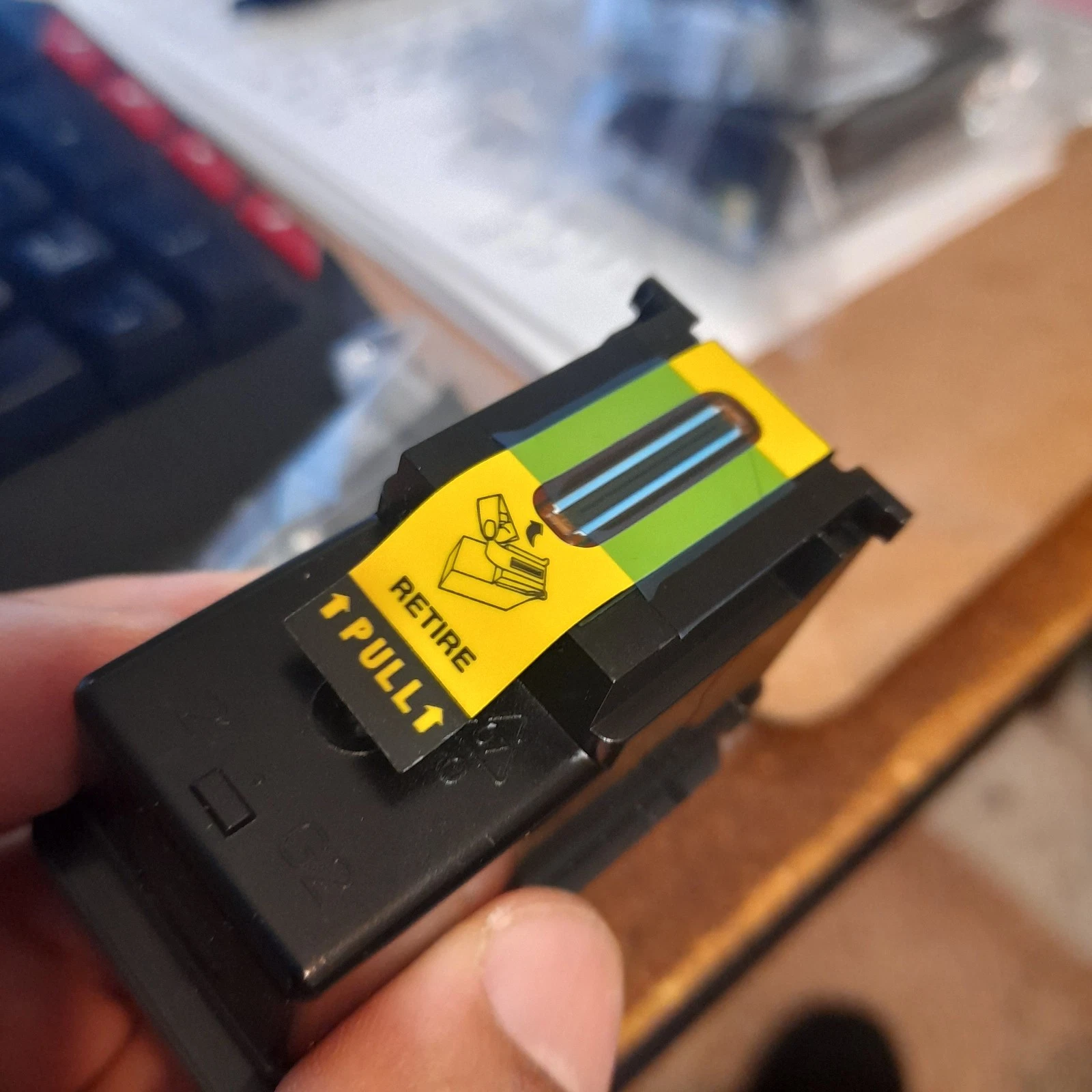
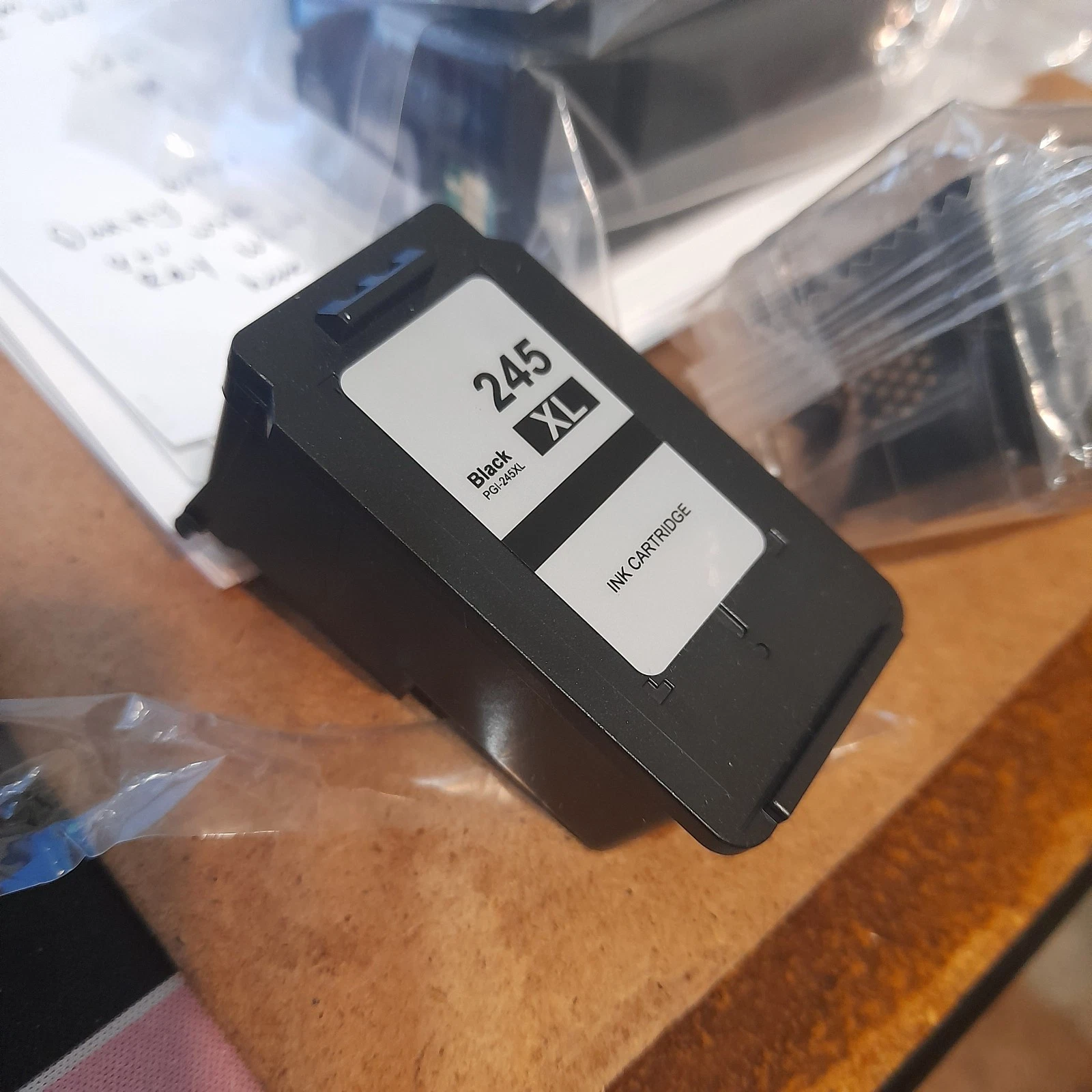
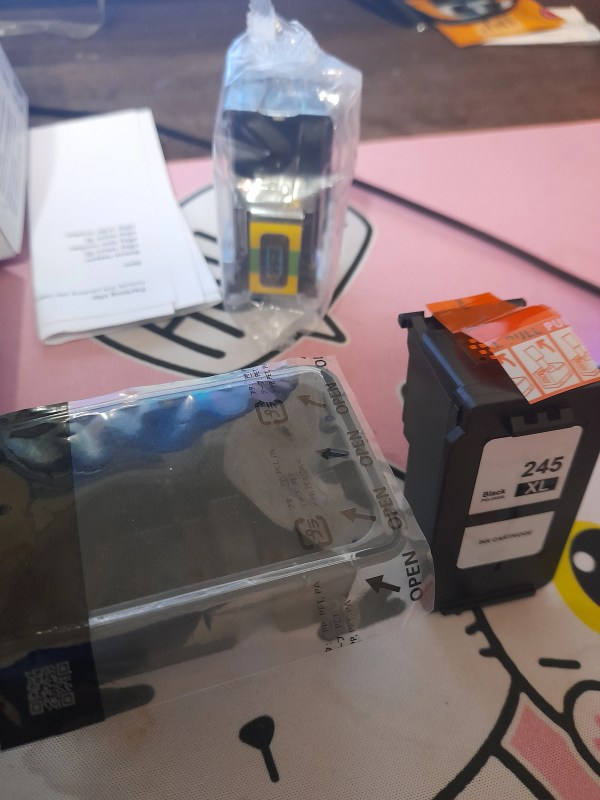
The BLACK ink cartridge was swapped. The buyer even returned it in a hard case with an orange sticker on it. The one I shipped was sitting in an open plastic wrapper with a Yellow/Green seal on it.

Weighing the cartridge also revealed it was 0.8 oz lighter than a full unit.

What I sold (no case)
What they sent back (in a case)

My loss is the dollar I paid for the ink plus the return shipping cost of $4.76. I can still probably sell the color cartridge on its own and I can recycle the BLK one for a small return.


It still is disappointing, I don’t recall any other times I had a bad buyer.

I’ve had odd returns certainly, like when someone sends and offer or haggles over the prices in chat and then returns it saying they ordered by mistake.

I mean, like, just imagine someone pulling that crap at a yard sale. “Oh, yeah I didn’t mean to buy that.” What? After you spent an hour haggling the price down!