
After some sleuthing and head scratching I noticed an issue with the way Adobe Storage manages data in the cloud.
Free accounts receive 5GB of storage space which can be exceeded under certain conditions. For example, uploading multiple files at once which exceed the limit.
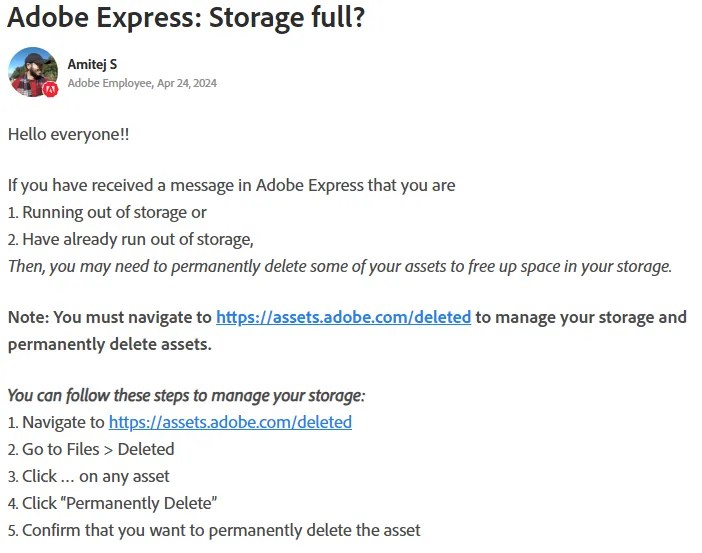
If further uploads are attempted after hitting the limit, a red message bar will appear at the head of the page, notifying users that they have run out of space and must either upgrade their account or remove files.
So far this is pretty normal as one might expect of a cloud storage service.
The Bug
However, the issue is that many users find that the storage overage message does not go away or nor does it decrease in size as files are permanently deleted from storage.
This has likely led users to paying for a subscription to increase the storage capacity of their accounts as a way to bypass the “bug.”
But I don’t think it is a bug. I think this is an intentional effort by Adobe to drive users to subscribe. It’s a money machine. Just my opinion.
My Answer
Adobe cloud storage appears to be associating the entire amount of storage overage to all files present when the limit is exceeded. If even a single file remains, all limit overage will be attached to the single item.
I have successfully recreated the issue and fixed it using the method provided below.
After encountering the storage bug, I deleted all but a single 12mb file from my cloud storage. The message read that I was 2.71GB over my 5GB storage capacity.
I was planning on using the remaining 12mb file to create a Short for YouTube after I cleared the storage bug.
I would expect most users to have files in storage that they would rather not have to delete, whether for business or personal use. It’s quite common.
The red bar remained in place after permanently deleting the files, and the overage amount (7.71GB) did not change.
Rebooting, clearing cache, and cookies, had not effect. Following the instructions provided by Adobe Support members also did not clear up the issue.
Since I had a copy of the video file still on my hard drive, i went ahead and sent the last file to the Trash. Then I navigated to Trash and selected the file and Delete Permanently.

You can see in the image above that the system had relegated the entire 7.71GB storage limit overage to the single remaining file in my cloud storage.
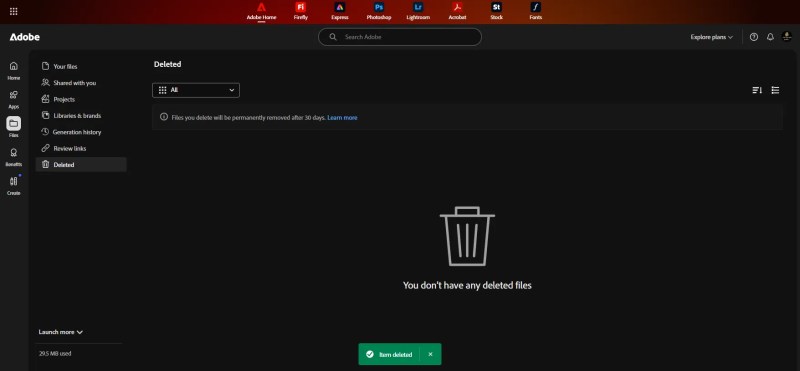
An after I deleted the final file, my storage was cleared and the overage message disappeared.

 Fat Wallet Refugee